Key Takeaways
What to Decide Before Requesting a Proposal
- Camera planning should start with fleet operations and visibility needs, not a fixed camera count.
- Local recording and remote video monitoring support different review workflows.
- Vehicle type, installation conditions, and platform requirements affect the final configuration.
- Buyers should prepare clear project requirements before requesting a supplier proposal.
Introduction: Start With Operations, Not Camera Count
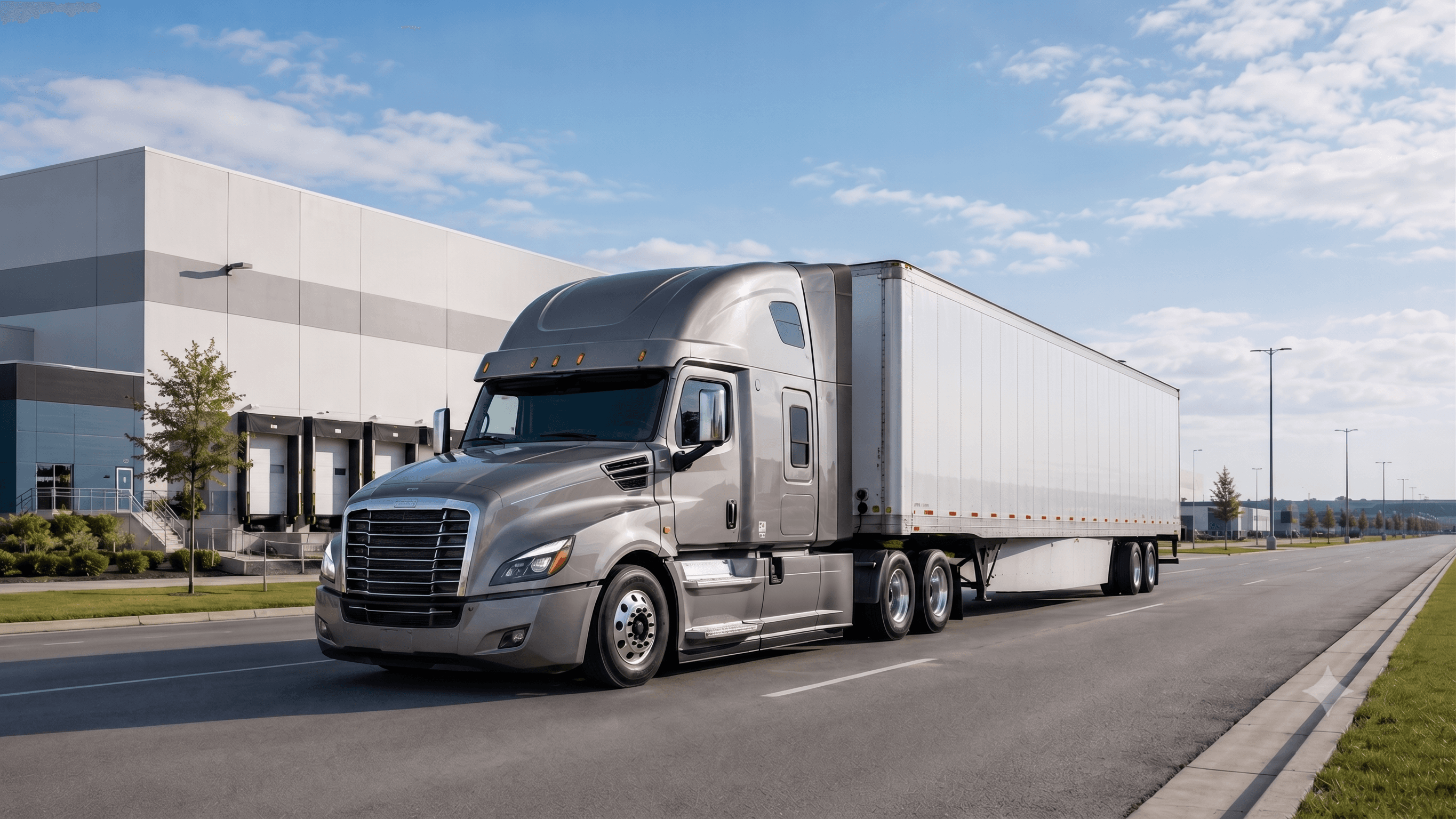
A truck fleet camera monitoring system should not start with a fixed camera count. It should start with the way the fleet actually operates.
For logistics companies, truck operators, system integrators, and OEM/ODM project buyers, the first question is not How many cameras do we need? The better question is: What risks, routes, vehicles, recording needs, and management workflows should this system support?
Truck fleet camera systems can include road-facing cameras, side cameras, rear cameras, cabin cameras, cargo-area cameras, MDVR recording, remote video review, and fleet platform workflows. But these functions do not automatically belong in every project. The right plan depends on the vehicle type, operating environment, blind spots, local recording requirements, remote video expectations, installation conditions, and project scope.
This guide explains how to organize those requirements before asking a supplier for a proposal.
Define the Fleet and Operating Environment
A truck camera monitoring system should be planned around the vehicle and operating environment first. Different trucks, routes, and fleet workflows may require different camera coverage and recording strategies.
Vehicle Types and Fleet Scale
Start by defining the vehicles included in the project. A long-haul tractor-trailer, a box truck, a delivery vehicle, and a specialty logistics vehicle may not share the same camera placement needs.
A supplier will usually need to understand:
- Vehicle type and body structure
- Number of vehicles in the first project phase
- Whether the fleet includes mixed vehicle types
- Driver cabin layout
- Cargo, loading, or rear visibility concerns
- Whether the project is for retrofit, OEM, or system integration
Fleet scale also matters. A small pilot fleet may focus on validating camera coverage and recording workflows. A larger fleet may need more attention to installation consistency, platform management, reporting workflow, and maintenance planning.
For an application-level overview, the Logistics & Truck Fleet Solution page can support the article as the main solution reference.
Routes and Daily Operating Scenarios
Next, define where and how the vehicles operate. The same commercial vehicle camera system may need different planning depending on whether trucks operate on highways, urban roads, industrial sites, loading areas, parking yards, or night routes.
Important scenarios may include:
- Highway driving and lane-change visibility
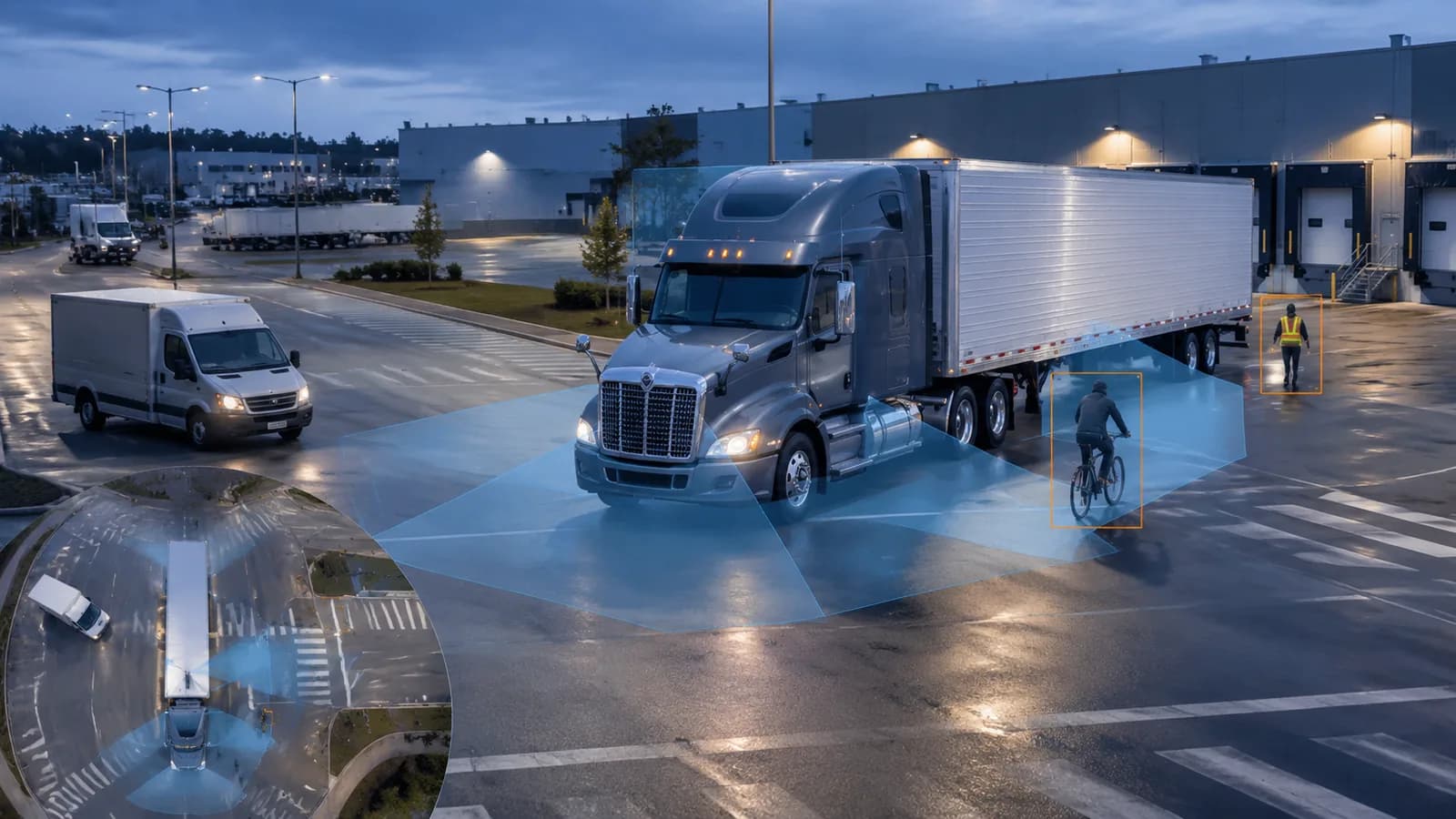
- Urban delivery routes with pedestrians, cyclists, and tight turns
- Loading docks and warehouse yards
- Night routes or unlit roads
- Parking, reversing, and low-speed maneuvering
- Selected low-visibility conditions, depending on environment
The goal is not to list every possible road condition. The goal is to identify the real operating situations where video visibility, recording, event review, or fleet monitoring may support the project.
Identify the Required Camera Coverage
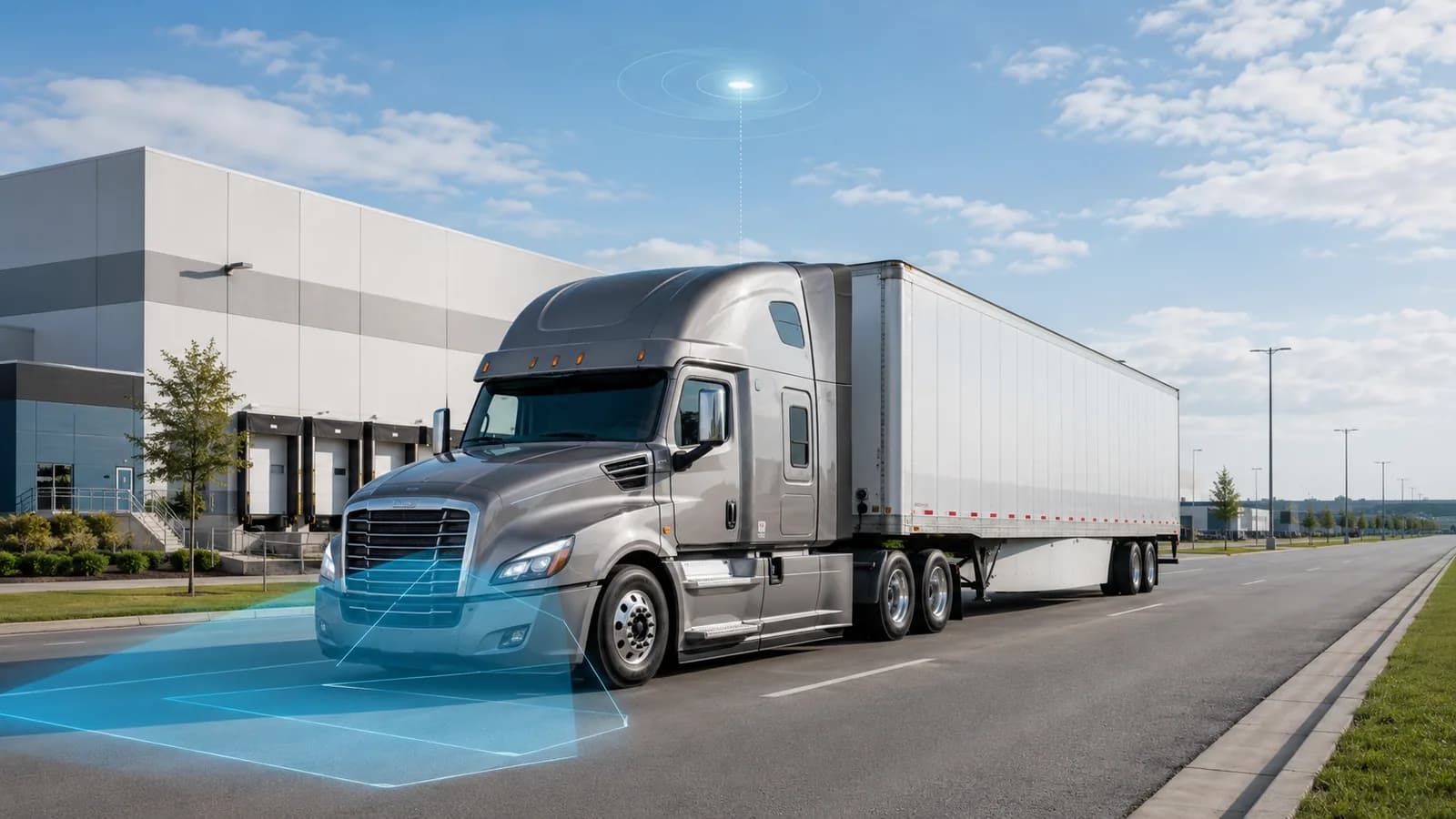
Camera coverage should be planned by visibility need, not by a universal camera number. The required camera positions depend on truck body style, route risk, blind spots, loading workflow, and the project's monitoring goals.
Front, Side, Rear, and Cabin Visibility
A common planning discussion includes forward road view, side views, rear view, and cabin view. Each camera direction serves a different purpose.
Forward road view can support road event review. Side views may help with lane changes, turns, and vehicle-side visibility. Rear view can support reversing, docking, and rear-area review. Cabin view may be considered when driver behavior review or in-cabin workflow discussion is part of the project.
These camera directions should be confirmed according to the target vehicle and local use case. The article should avoid suggesting that every truck needs the same positions.
Cargo or Loading-Area Monitoring
Some logistics fleets may need to review cargo-area, trailer, or loading-zone visibility. This may be relevant when vehicles operate around warehouses, construction sites, industrial parks, or delivery points where cargo-area events matter.
Cargo or loading-area monitoring should be treated as a project requirement, not a default feature. If it is required, the buyer should describe the cargo area, loading process, camera mounting options, and whether the video needs to be recorded locally or reviewed remotely.
Blind-Spot Requirements
Blind spots are one of the most important planning topics for truck fleet camera systems. Side blind spots, rear blind spots, front near-field blind spots, and trailer-related blind spots may all need review.
However, blind-spot coverage should be planned carefully. The final camera location and display method depend on the truck body, driver view, installation area, display device, camera input, and project goal. If the project also involves ADAS, DMS, thermal imaging, or surround-view planning, the article can naturally reference AI Safety & Vision systems as a related product direction.
Define the Recording Requirements
Recording requirements should be defined before selecting a recorder or platform. Buyers should decide what needs to be recorded, when video should be reviewed, and how event evidence will be used.
Local Vehicle Recording
Local recording means video is recorded on the vehicle through a recorder or MDVR system. It may support later review of road events, driver-related events, cargo-area events, or operating exceptions.
The article should not state a fixed recording time, storage capacity, channel resolution, or storage format unless those details are confirmed in product materials. Instead, buyers should be guided to prepare questions such as:
- Which camera views need to be recorded?
- Is continuous recording required, or only event-related video?
- Who will review the video?
- How long should video be retained?
- What storage and playback requirements need confirmation?
Event Recording and Playback
Event recording can help teams review specific incidents or exceptions after they happen. In a truck fleet project, event review may be connected with driver safety, vehicle operation, cargo-area activity, or road risk review.
The exact event logic should be confirmed by device and platform configuration. The article should avoid promising detection accuracy, alarm types, or AI event categories unless confirmed by product data.
AI MDVR in Multi-Camera Recording
An AI MDVR can be part of a multi-camera vehicle recording plan. It can help connect vehicle camera inputs, onboard recording, event video processing, and fleet video workflows depending on the selected configuration.
For product-level context, link to 8-channel AI MDVR for vehicle recording. This should be presented as a relevant product direction, not as a universal configuration for every truck fleet.

Decide Whether Remote Video Is Needed
Remote video should be treated as a project requirement, not an automatic function. Local recording and remote fleet video monitoring solve different operational needs.
Local recording focuses on video stored on the vehicle for later playback. Remote video monitoring may support fleet managers, dispatchers, or safety teams who need to review video outside the vehicle. Remote workflows may include event review, uploaded clips, or platform-based review depending on device, network, and platform configuration.
A planning discussion should clarify:
- Is remote video required, or is local playback enough?
- Should managers review live video, event clips, or recorded video?
- What type of events need review?
- Who needs access to the video?
- Does the project require a platform workflow?
A useful related reference is video telematics for truck fleets, especially when the project connects MDVR, vehicle cameras, event review, and remote visibility.
Consider Fleet Tracking and Platform Workflows
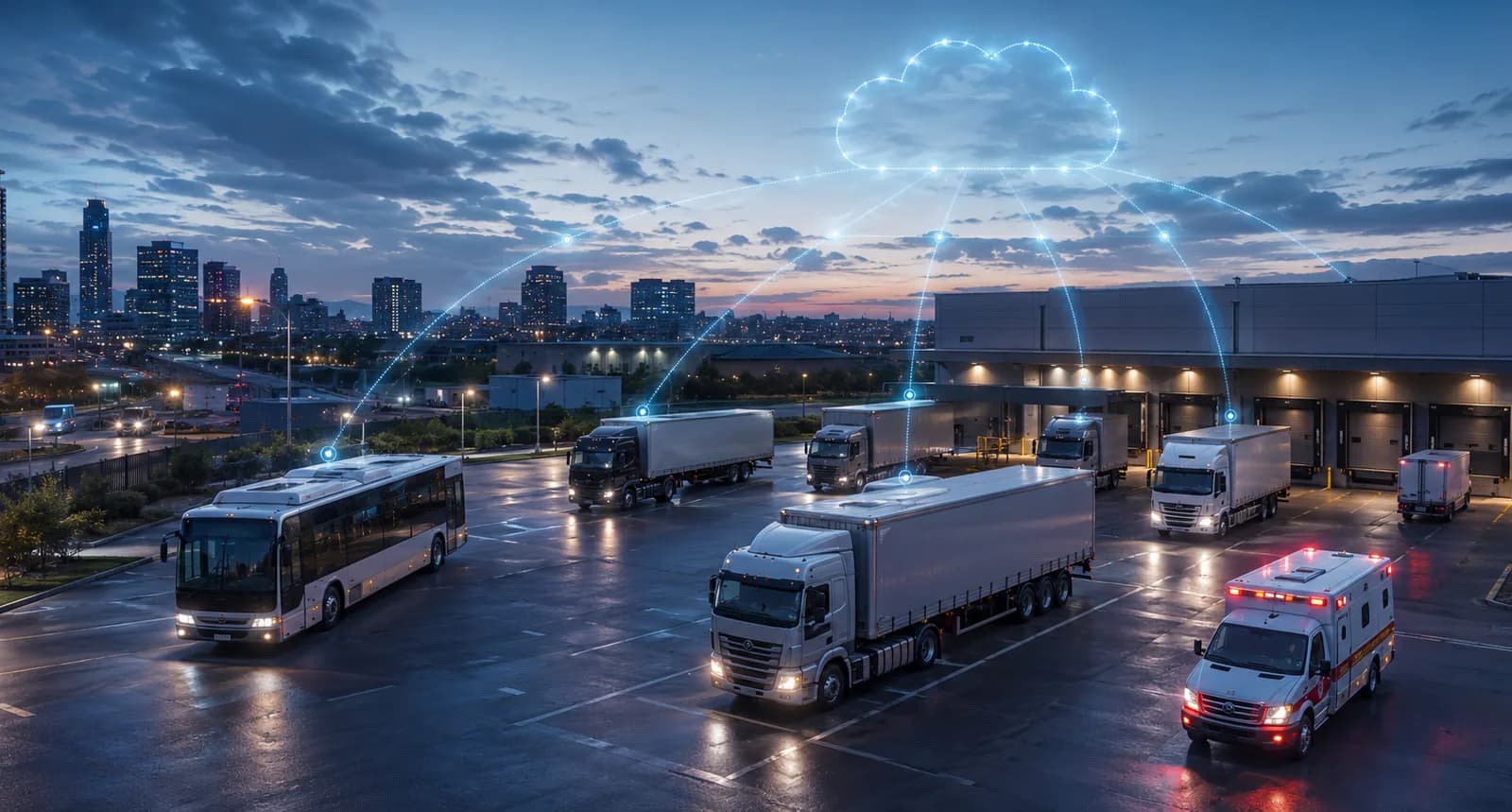
Fleet tracking and platform workflows should be planned as part of the overall management process. They should not be assumed to exist in every camera system.
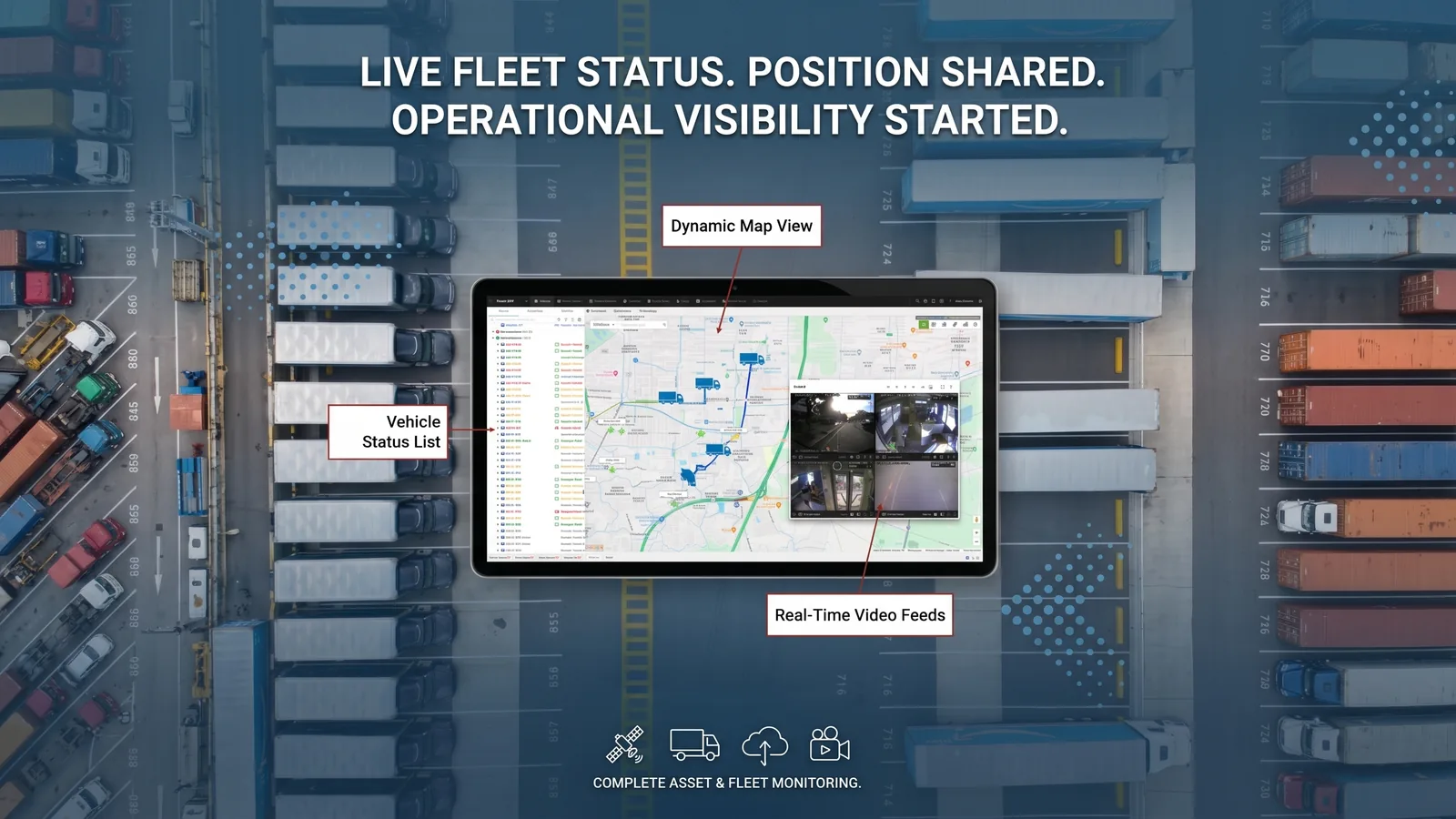
Some projects may need video, vehicle location, event alerts, reports, and operating status to be reviewed together. In that case, camera planning should include how video evidence, event review, and vehicle information may support the fleet management workflow.
A fleet monitoring platform can be considered when the project needs vehicle visibility, alerts, and operational reports. However, the exact fleet tracking, reporting, and platform functions should be confirmed for the selected device and project configuration.
The planning question is simple: after video is recorded, what should the fleet team do with it?
- Review driver or road events?
- Check vehicle location and operating status?
- Review alerts or reports?
- Share evidence with internal teams?
- Support follow-up after an incident?
The answers affect the recorder, camera coverage, platform, and data workflow.
Review Vehicle Installation Conditions
Installation conditions can decide whether a camera plan is practical. Before finalizing a truck camera monitoring system, buyers should review the vehicle layout and installation environment.
Key installation topics include:
- Mounting locations for each camera
- Power supply availability
- Cable routing path
- Camera input requirements
- Display position in the cab
- Recorder or MDVR mounting space
- Exposure to vibration, dust, moisture, heat, or other operating conditions
- Whether the project needs connection to a display, MDVR, or platform
The article should not claim a fixed installation method or universal mounting position. Instead, it should explain that installation planning depends on the selected vehicle, camera type, recorder, display, wiring path, and project requirements.
For OEM/ODM or system integration projects, installation review may also include interface needs, branding, documentation, and project delivery requirements. Those details should be confirmed case by case.
Prepare Information for a Supplier
A clear supplier requirement checklist helps avoid unclear proposals. Before asking for a truck camera monitoring system quotation, buyers should prepare practical project information.
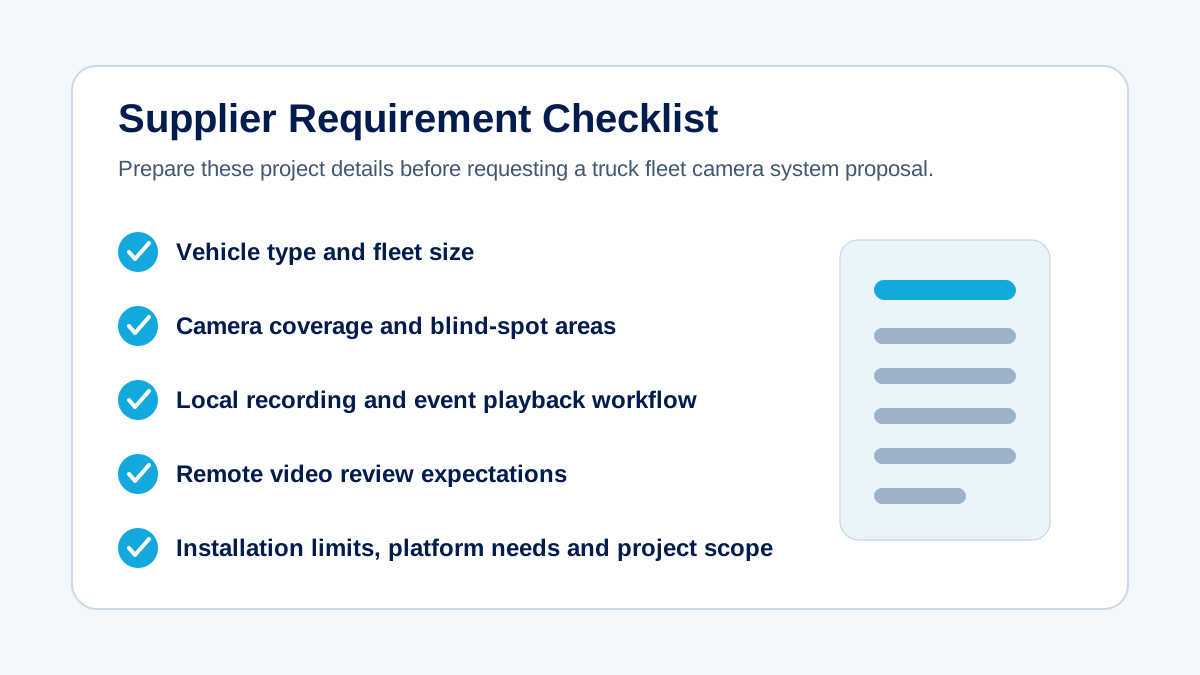
Supplier Requirement Checklist
Prepare Information for a Supplier
This checklist does not replace product selection. It helps the supplier understand the operating problem before recommending a configuration.
| Requirement Area | What to Prepare |
|---|---|
| Vehicle Type | Truck model type, body style, cabin layout, trailer or cargo structure if relevant |
| Fleet Size | Number of vehicles in pilot phase and expected rollout phase |
| Operating Environment | Highways, city roads, loading areas, parking yards, night routes, or selected low-visibility environments |
| Camera Coverage | Forward road, side, rear, cabin, cargo/loading area, and blind-spot review needs |
| Recording Requirements | Local recording, event recording, playback needs, and retention expectations to be confirmed |
| Remote Video Needs | Whether remote review, event clips, or fleet video monitoring are required |
| Tracking Requirements | Whether vehicle location, alerts, reports, or platform workflows should be considered |
| Installation Constraints | Mounting space, power, cable routing, display position, and vehicle environment |
| Project Scope | Pilot fleet, retrofit project, OEM/ODM project, integration project, or phased deployment |
| Target Market or Requirements | Any market, customer, documentation, or certification requirements that need confirmation |
Common Planning Mistakes
A truck camera project can become confusing when buyers start with assumptions instead of requirements. These are common issues to avoid.
Starting With a Fixed Camera Count
A fixed camera count may not match the vehicle. A truck fleet should first define visibility needs, blind spots, recording requirements, and remote review expectations. Camera count should follow the coverage plan.
Ignoring Installation Conditions
A camera plan that looks good on paper may be difficult to install if power, cabling, mounting location, or display position is not reviewed. Installation conditions should be discussed before final model selection.
Treating Remote Video as a Default Function
Remote video depends on device, network, platform, and project configuration. It should be planned as a requirement, not assumed as a standard function in every system.
Using the Same Configuration for Every Truck
Mixed fleets may need different configurations. Vehicle body, route, cargo area, blind spot, and operational workflow can all affect camera placement and recording needs.
Failing to Define Platform and Data Workflow Requirements
Video becomes more useful when the team knows how it will be reviewed. Buyers should define who needs access, what events matter, whether reports are required, and how video relates to fleet operations.
FAQ
Truck Fleet Camera Planning FAQ
How many cameras does a truck fleet need?
There is no universal camera count. A truck fleet should define camera needs by vehicle type, risk areas, operating routes, blind spots, recording requirements, and whether remote review is needed. The final count should be confirmed for each vehicle and project.
Which areas of a truck should fleet cameras cover?
Fleet cameras commonly review the forward road, side areas, rear view, cabin, cargo or loading area, and vehicle blind spots. The exact coverage should match the truck body, driving environment, cargo process, and safety or evidence review goals.
What is the difference between local recording and remote video monitoring?
Local recording stores video on the vehicle for later review, depending on the selected recorder and storage setup. Remote video monitoring adds a review workflow outside the vehicle, but it depends on device, network, platform, and project configuration.
Can truck camera systems connect with fleet tracking?
They can be planned together when the selected hardware and platform support that workflow. Camera video, events, alerts, and vehicle location may help fleet teams review incidents and operations, but tracking features should be confirmed for the chosen platform.
What information should be provided before requesting a proposal?
Before requesting a proposal, provide vehicle type, fleet size, operating environment, camera coverage areas, blind-spot concerns, local recording needs, remote video expectations, tracking requirements, installation limits, and project scope. This helps suppliers recommend a realistic configuration.
Can the same camera configuration be used for every truck?
Not usually. Different trucks may have different body styles, routes, cargo areas, blind spots, power conditions, and platform needs. A shared planning framework is useful, but the actual camera configuration should be confirmed by vehicle and project requirement.
Conclusion
Planning a truck fleet camera monitoring system is not about choosing a camera count first. It is about defining the fleet's operating environment, visibility needs, recording workflow, remote video requirements, platform expectations, and installation limits.
A clear planning process helps suppliers recommend a more realistic configuration and helps buyers compare proposals more effectively. Before selecting hardware, prepare the vehicle information, coverage goals, recording needs, remote review expectations, tracking workflow, and installation conditions.
Related Posts
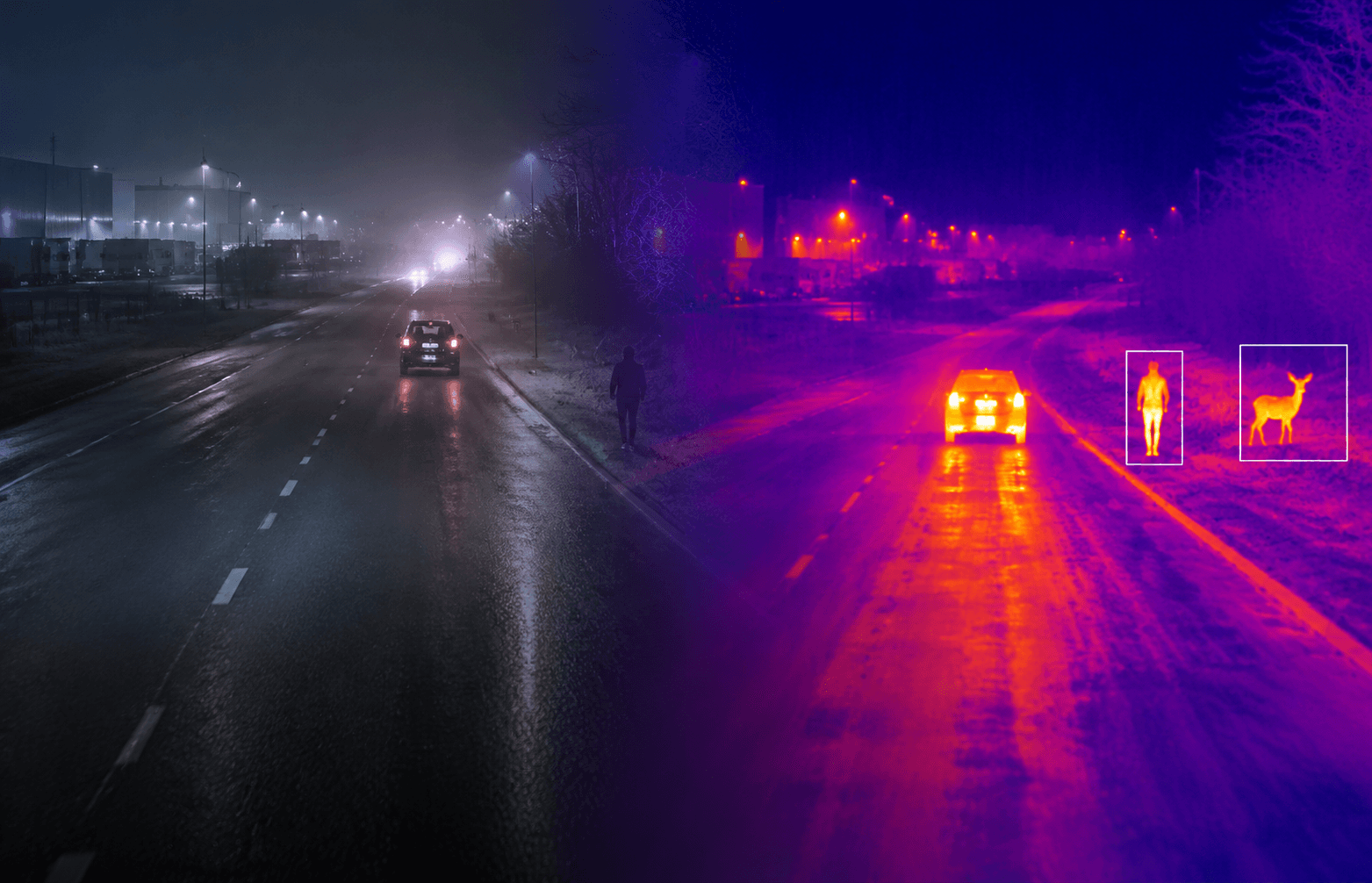
Vehicle Thermal Camera Applications for Trucks in Low-Visibility Driving
Learn when truck fleets may consider thermal imaging for night routes, unlit roads, headlight glare and selected low-visibility driving conditions.