Video Telematics
Video Telematics for Fleets with AI MDVR
Video telematics, AI MDVR, fleet video monitoring, and multi-camera vehicle monitoring directions for commercial vehicle and OEM/ODM projects.
Product positioning
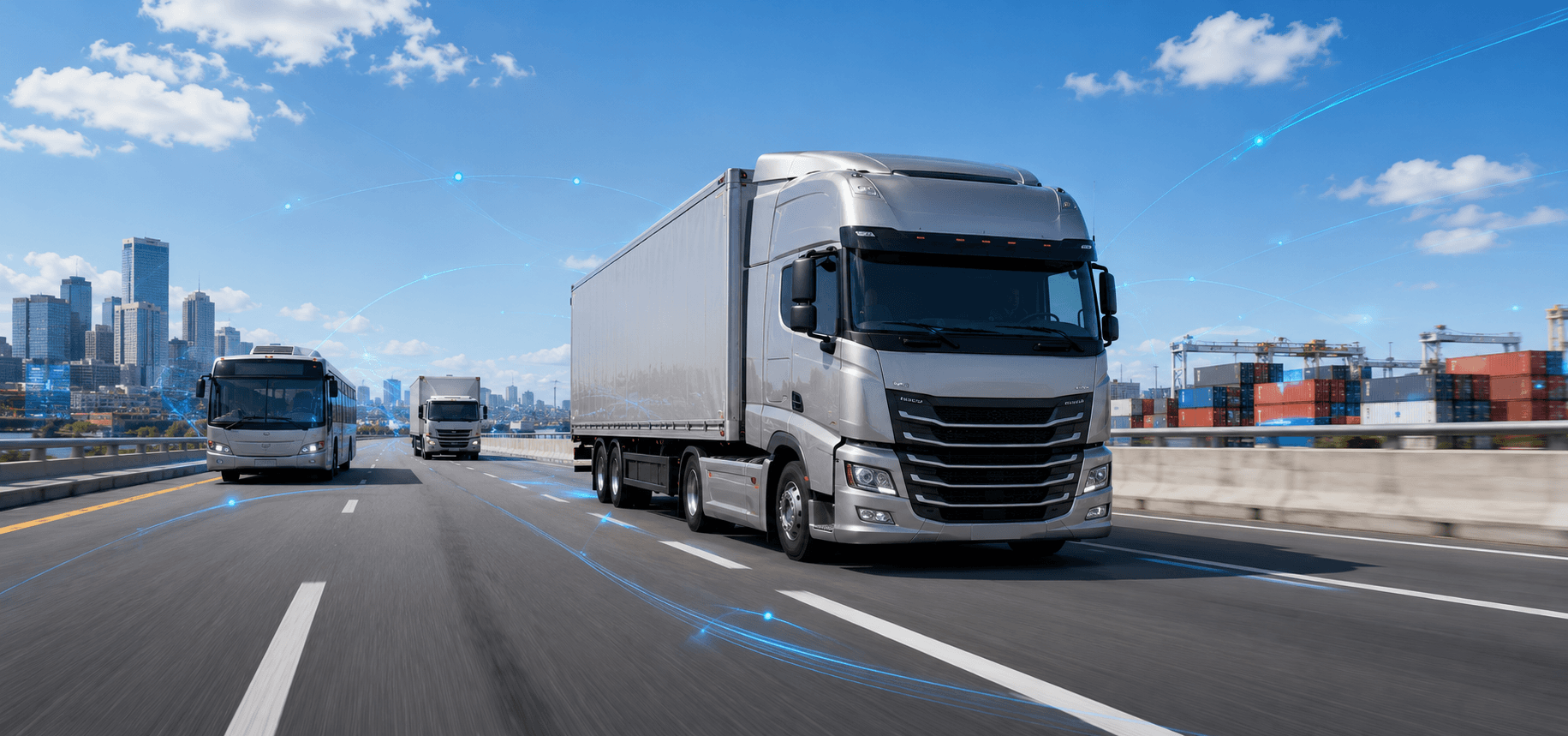
Video Telematics for Fleet Video Monitoring
Use this page when fleet operators, system integrators, distributors, and OEM/ODM buyers need to qualify AI MDVR, camera channels, vehicle recording, remote vehicle video, and platform workflow before choosing a configuration.
Core modules
AI MDVR, Multi-Camera Monitoring and Remote Video
These modules explain how AI MDVR, multi-camera vehicle monitoring, remote vehicle video, and fleet video monitoring connect inside a video telematics project.
01 / Recording core
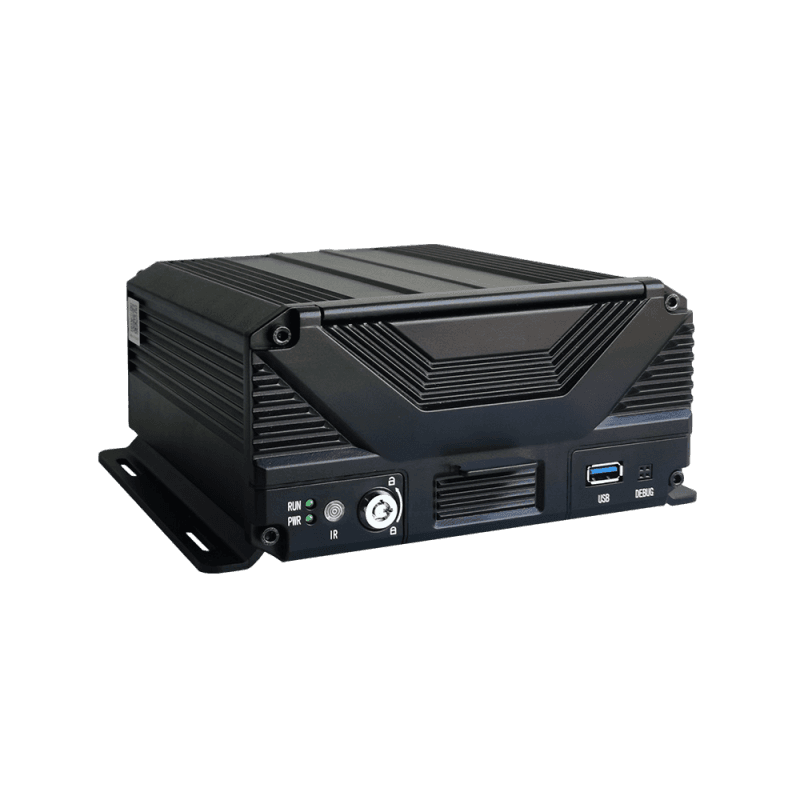
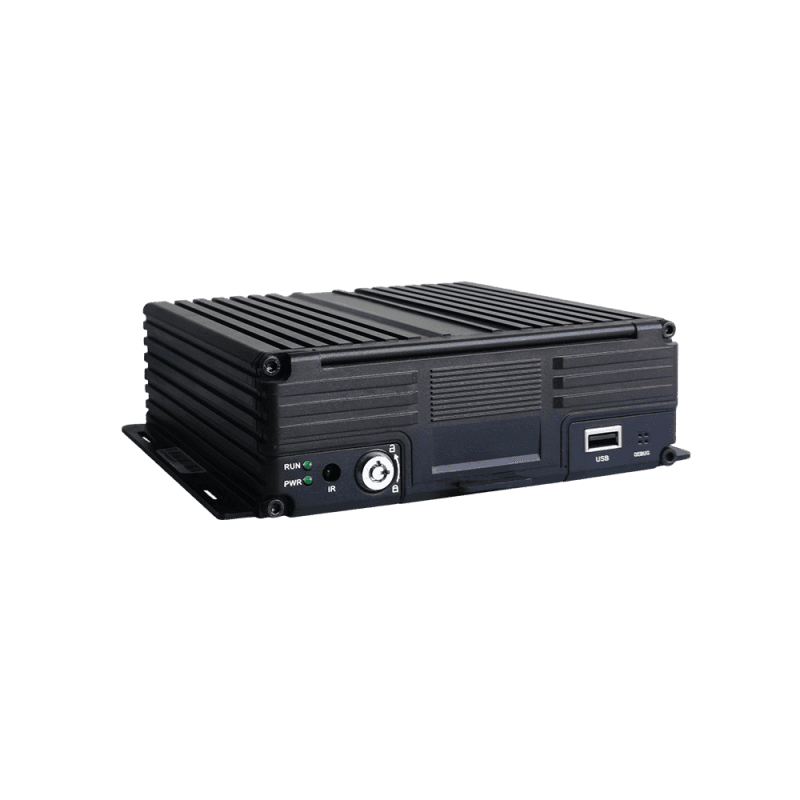
AI MDVR for Vehicle Video Recording
AI MDVR provides the recording core for video telematics projects, connecting multi-channel vehicle video, event review, and fleet monitoring workflows.
- AI MDVR and mobile DVR direction
- Multi-channel recording review
- AI event and platform workflow discussion
02 / Vehicle visibility
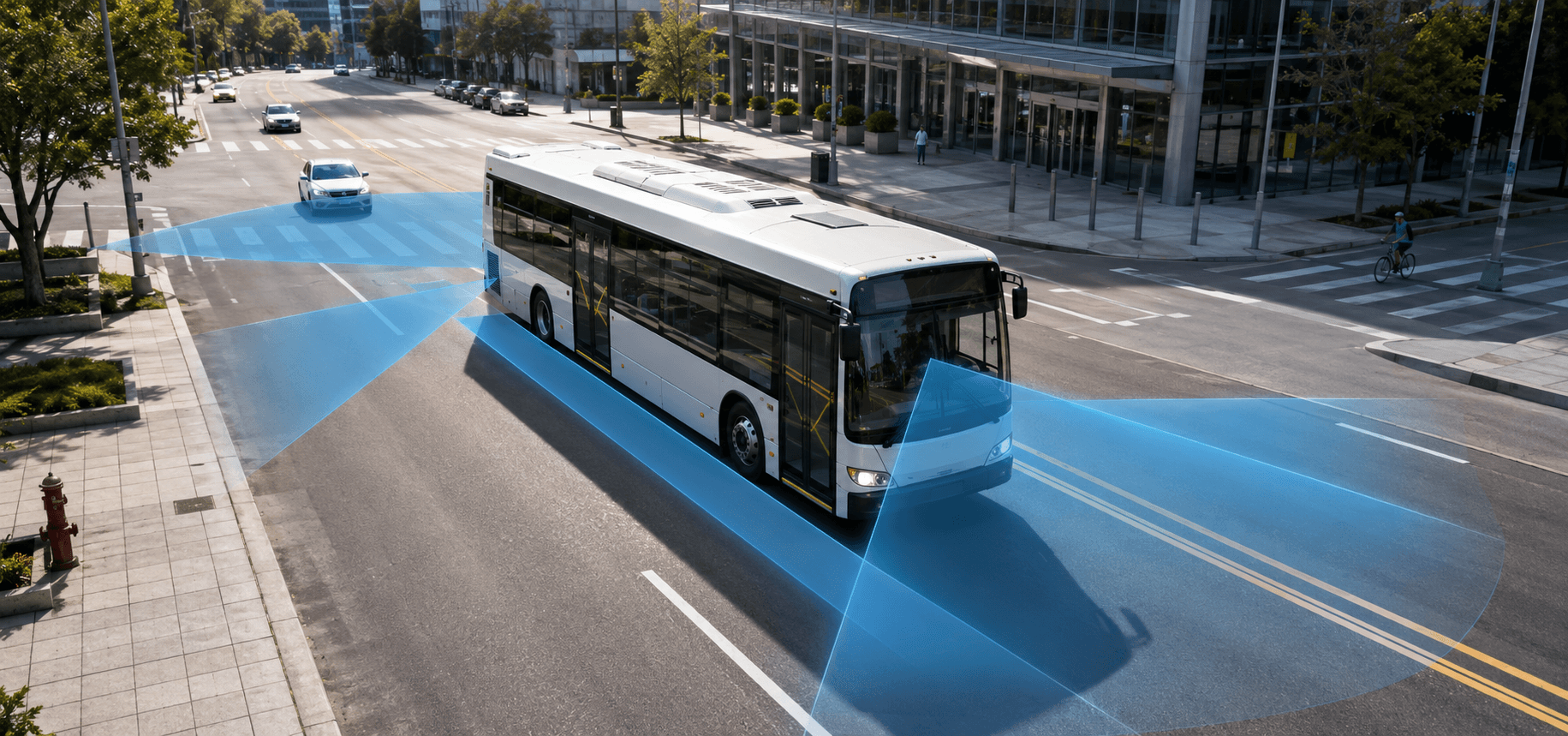
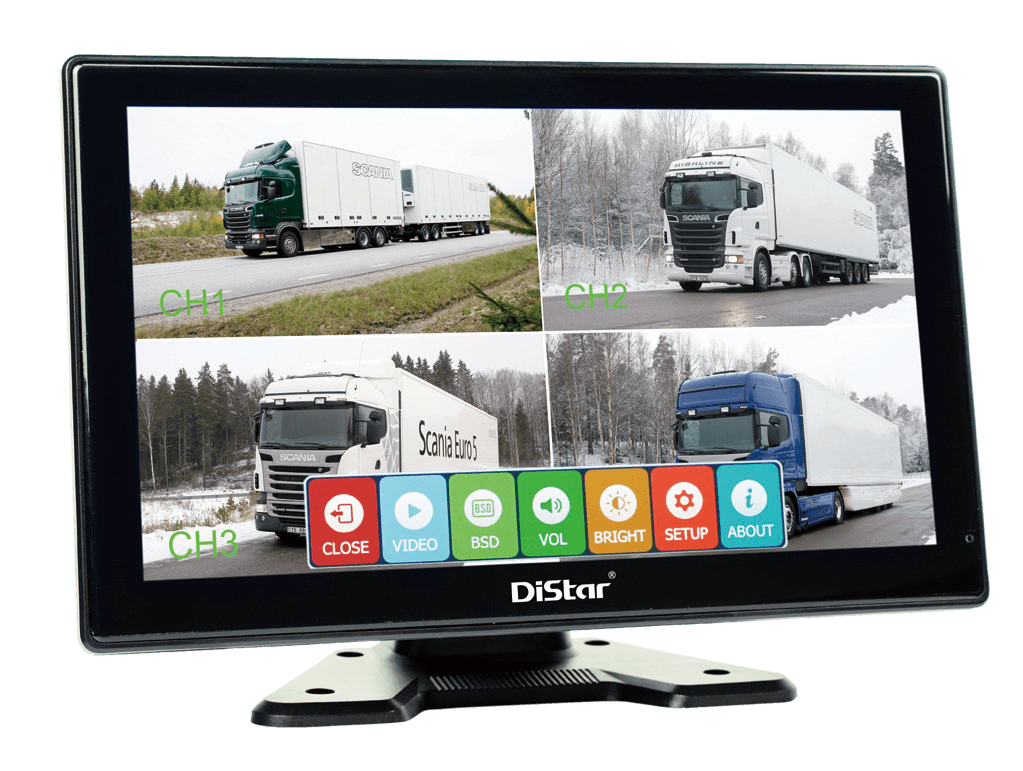
Multi-Camera Vehicle Monitoring
Plan front, side, rear, cabin, and specialty camera coverage around the target vehicle, driver view, blind-spot area, and recording workflow.
- Camera position planning
- Display and recorder matching
- Blind-spot and cabin visibility discussion
03 / Fleet review
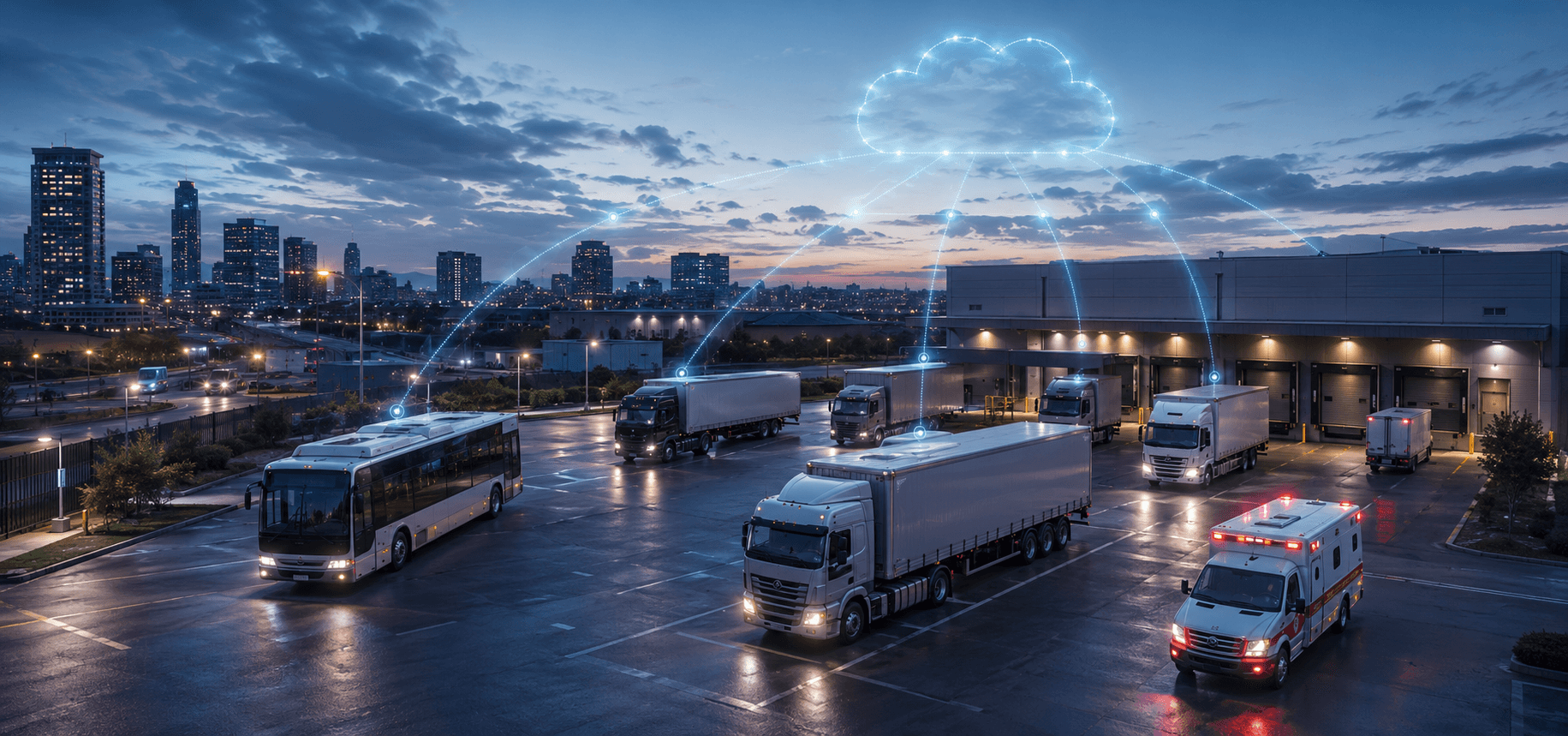
Remote Video Access and Fleet Video Monitoring
Remote vehicle video direction helps teams review fleet video, event handling, device status, and platform-connected monitoring needs after workflow scope is confirmed.
- Remote video review direction
- Event and alert workflow planning
- Device status and platform connection
Project workflow
From AI Dash Cam and Camera Inputs to Fleet Review
A video telematics project should define AI dash cam for fleets requirements, camera coverage, recording rules, event workflows, remote access, and long-term data requirements.
Confirm camera type, AI dash cam direction, position, channel count, and vehicle installation environment.
Review AI MDVR channel needs, local recording, storage direction, power, and interface requirements.
Define event upload, remote vehicle video, network, and platform connection workflow.
Plan fleet video monitoring, safety review, operating exception review, and evidence workflow requirements.
Feature map
Qualify Video Telematics Fit Before Quotation
Use this feature map to define the right cameras, recording, storage, connectivity, and platform requirements for your fleet video project.
Application fit
Commercial Vehicle Applications for Video Telematics
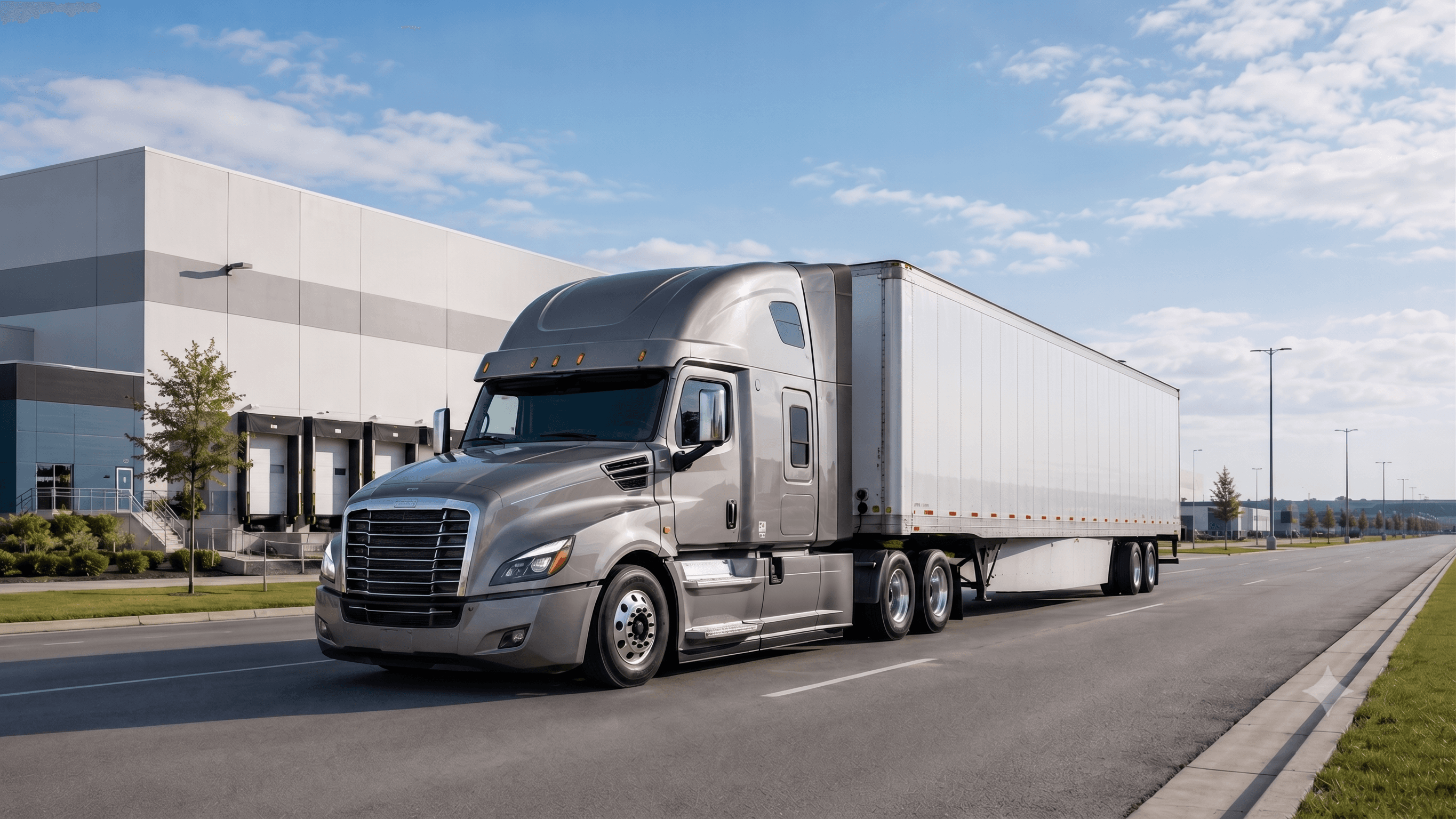
Truck Fleets
Multi-camera recording, AI event review, fleet video monitoring, and remote fleet visibility directions.
Explore Logistics & Truck Solution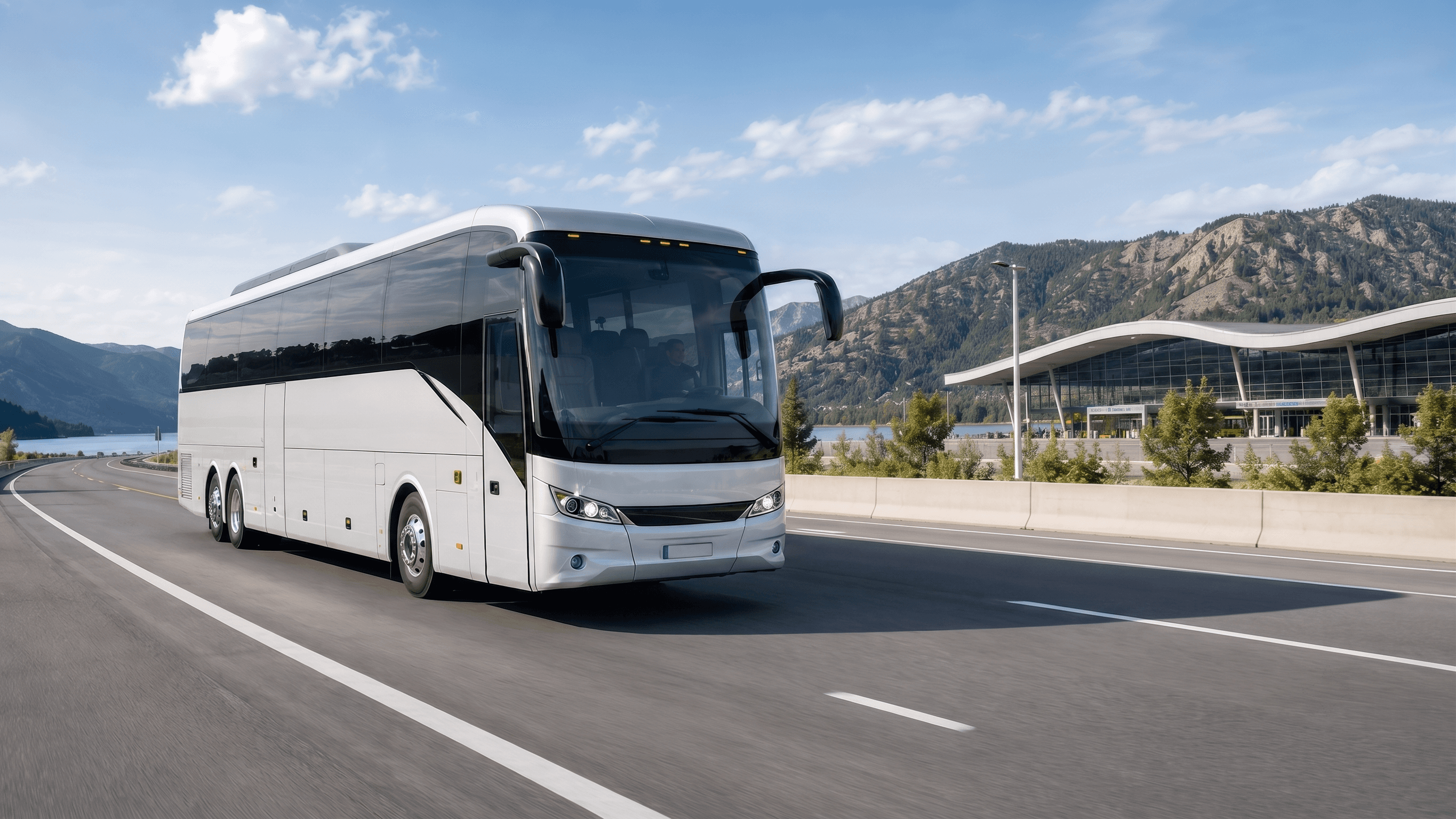
Bus & Coach
Passenger vehicle camera monitoring, recorder, and platform workflow planning.
View Intercity & Coach Solutions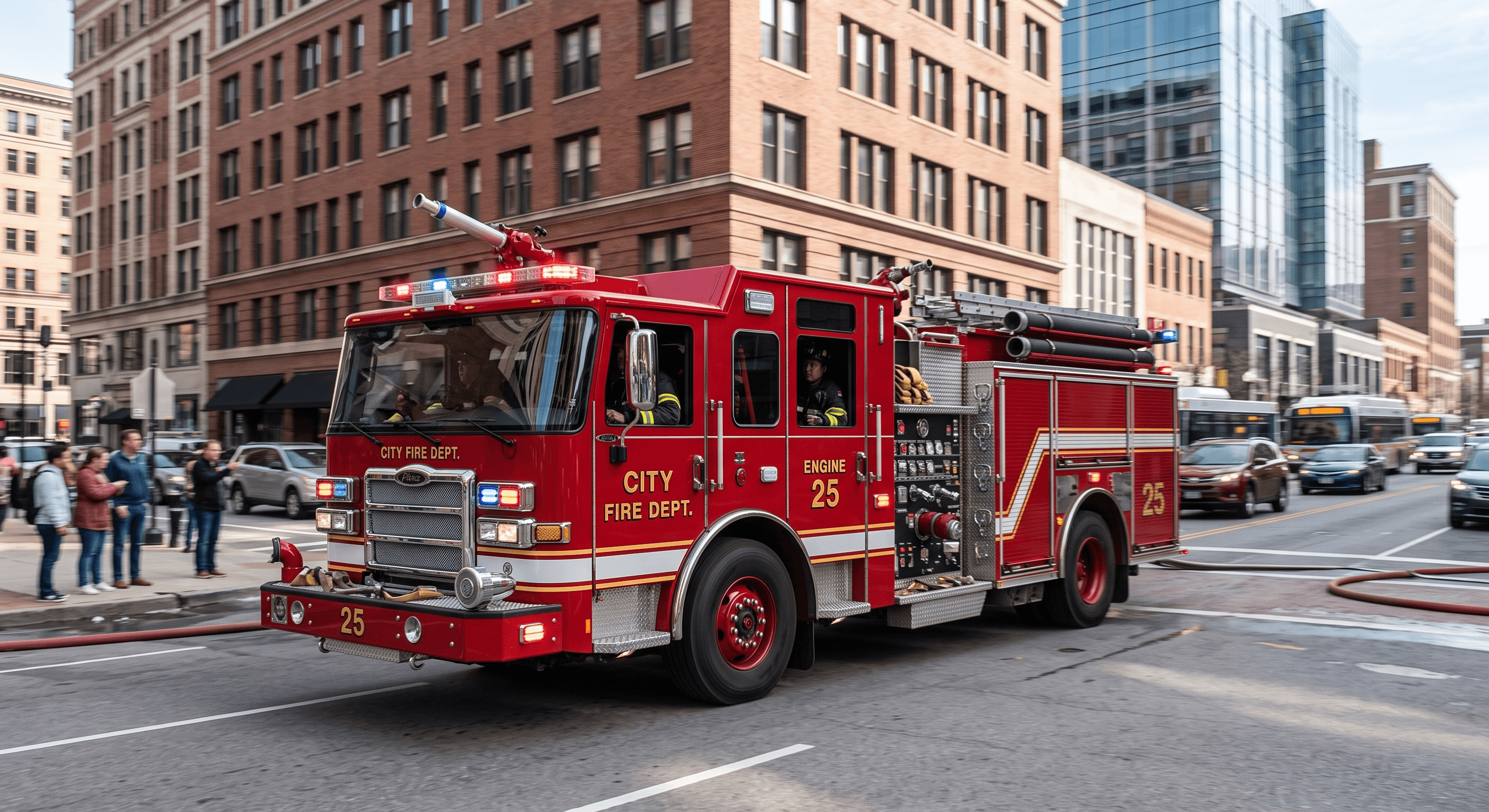
Special Vehicles
Video recording and remote review directions for special-purpose operating environments.
View Special Vehicle SolutionsSelection FAQ
What information is needed for MDVR selection?
Vehicle type, camera count, camera positions, recording needs, storage direction, network workflow, platform needs, and installation environment.
Can a video telematics system combine MDVR, cameras, remote video, and fleet tracking?
Yes, a video telematics system can combine these functions when the project configuration and platform integration support them. Cameras capture road, side, rear, cabin, or other vehicle video, while AI MDVR handles onboard recording and event video processing. Remote video, event playback, and fleet tracking can then support fleet video monitoring workflows.
Can video telematics combine with AI Safety & Vision?
Yes, it can be reviewed together with thermal imaging, surround-view, ADAS, or DMS directions. Final compatibility depends on models and interfaces.
Can storage time or upload speed be claimed here?
Not until confirmed. Storage time, network behavior, upload rules, and data retention should come from official product materials or project requirements.
Request product guidance
Share the target vehicle, camera coverage, AI MDVR direction, remote video needs, platform workflow, and OEM/ODM requirements. The team can review a suitable video telematics direction.